내가 정말 존경하는 프로젝트인 stable-diffusion.cpp가 최근 업데이트 되었다.
최신의 코드는 무려 비디오를 생성할 수 있다고 한다!!!

그래서 당장 시도해보기로 했다. 😊
나는 이미 환경을 설정했기 때문에…
cd stable-diffusion.cpp
git pull origin master
git submodule init
git submodule update
conda create -n stablediffusion_cpp_trial -y python==3.11.3
conda activate stablediffusion_cpp_trial
pip install "huggingface_hub[cli]"
을 통해 최신 코드로 업데이트 해주고
다시 빌드를 시작한다.
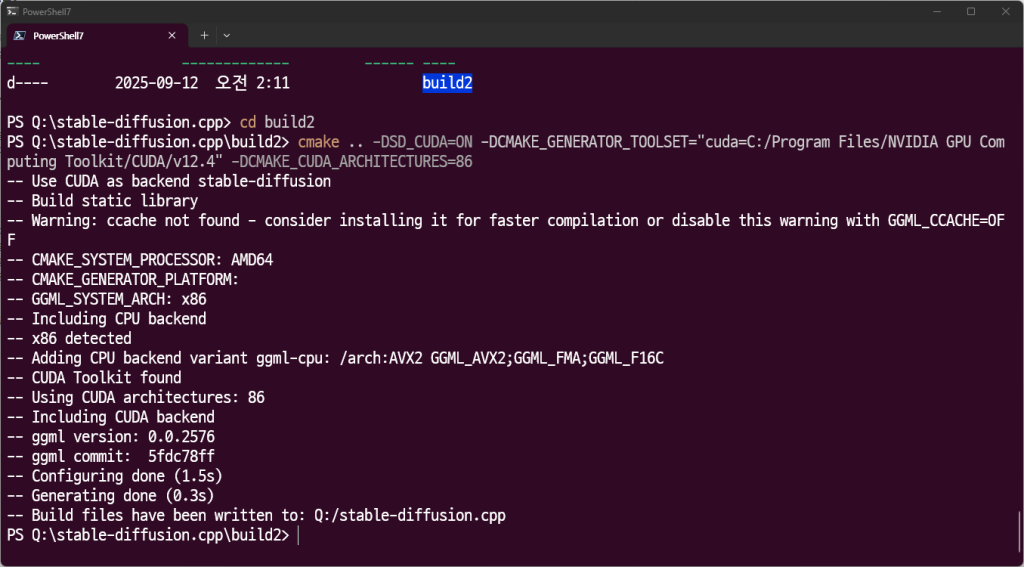
mkdir build2
cd build2
cmake .. -DSD_CUDA=ON -DCMAKE_GENERATOR_TOOLSET="cuda=C:/Program Files/NVIDIA GPU Computing Toolkit/CUDA/v12.4" -DCMAKE_CUDA_ARCHITECTURES=86
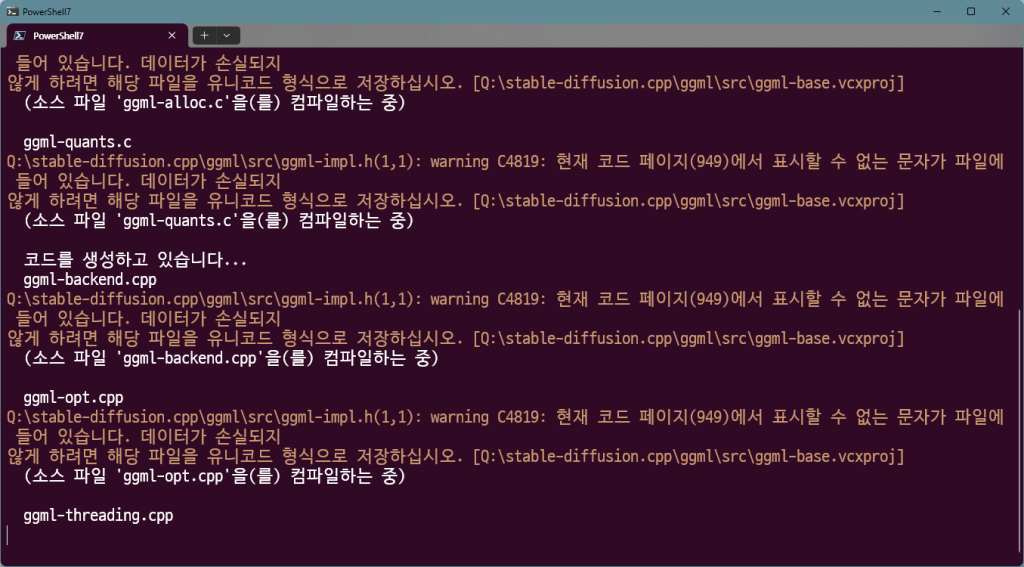
cmake --build .. --config Release
mkdir model
https://huggingface.co/Comfy-Org/Wan_2.1_ComfyUI_repackaged/tree/main/split_files/diffusion_models
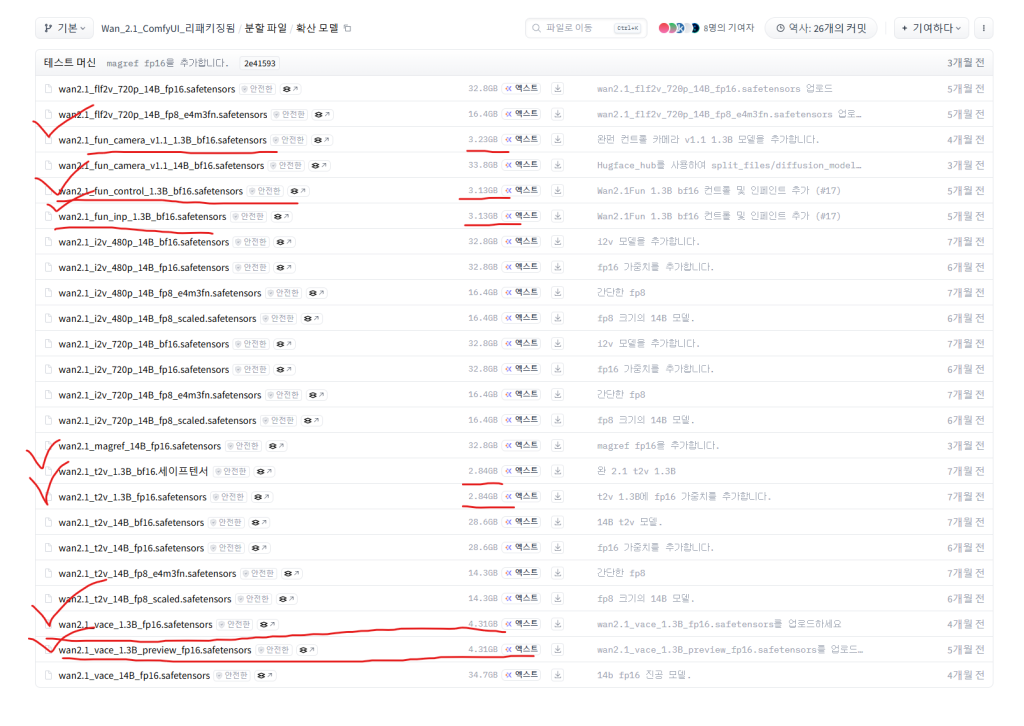
다음 파일들을 다운 받는다.
https://huggingface.co/QuantStack/Wan2.2-TI2V-5B-GGUF/tree/main

너무 다운 받아야 할 것이 많아서 놀랐는가?
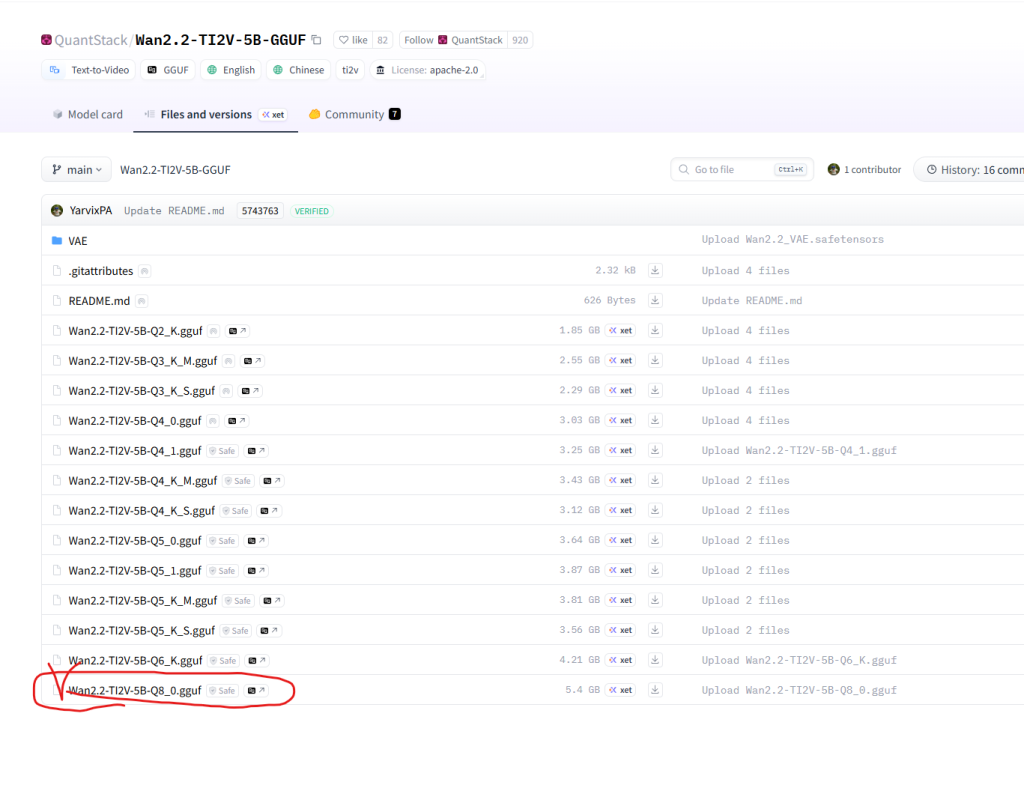
상기의 링크에서 vae를 다운 받아준다.
여기서도 vae를 다운 받아준다.

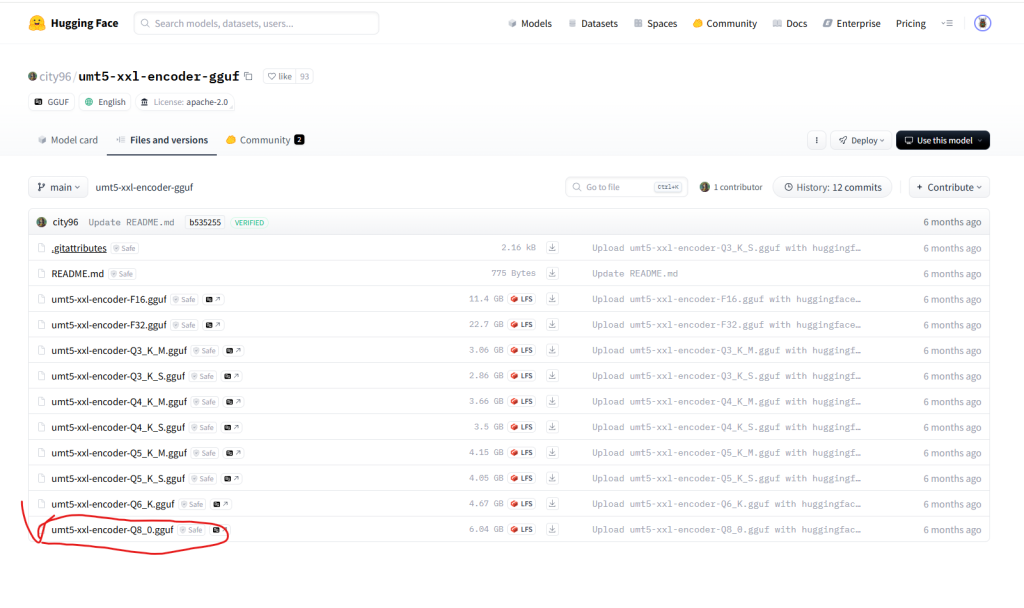
https://huggingface.co/city96/umt5-xxl-encoder-gguf/tree/main
내 블로그 왔으면 다들 하드 용량은 빵빵하다고 가정하겠다.

여기서 또 다운 받아주고
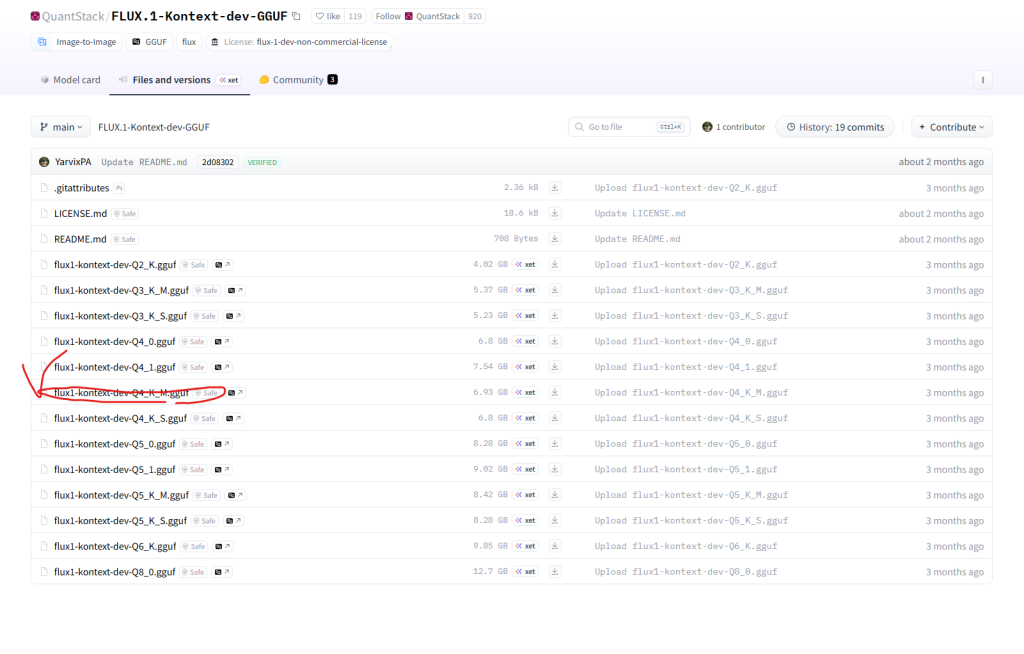
https://huggingface.co/QuantStack/FLUX.1-Kontext-dev-GGUF/tree/main
https://huggingface.co/black-forest-labs/FLUX.1-dev/blob/main/ae.safetensors
https://huggingface.co/comfyanonymous/flux_text_encoders/blob/main/clip_l.safetensors
https://huggingface.co/comfyanonymous/flux_text_encoders/blob/main/t5xxl_fp16.safetensors
https://github.com/leejet/stable-diffusion.cpp/blob/master/docs/kontext.md
명령어 사용법
앙 기모띠

.\sd.exe -M vid_gen --diffusion-model ..\..\model\wan2.1_t2v_1.3B_bf16.safetensors --vae ..\..\model\wan_2.1_vae.safetensors --t5xxl ..\..\model\umt5-xxl-encoder-Q8_0.gguf -p "a lovely cat" --cfg-scale 6.0 --sampling-method euler -v -n "色调艳丽,过曝,静态,细节模糊不清,字幕,风格,作品,画作,画面,静止,整体发灰,最差质量,低质量,JPEG压缩残留,丑陋的,残缺的,多余的手指,画得不好的手部,画得不好的脸部, 畸形的,毁容的,形态畸形的肢体,手指融合,静止不动的画面,杂乱的背景,三条腿,背景人很多,倒着走" -W 832 -H 480 --diffusion-fa --video-frames 33 --flow-shift 3.0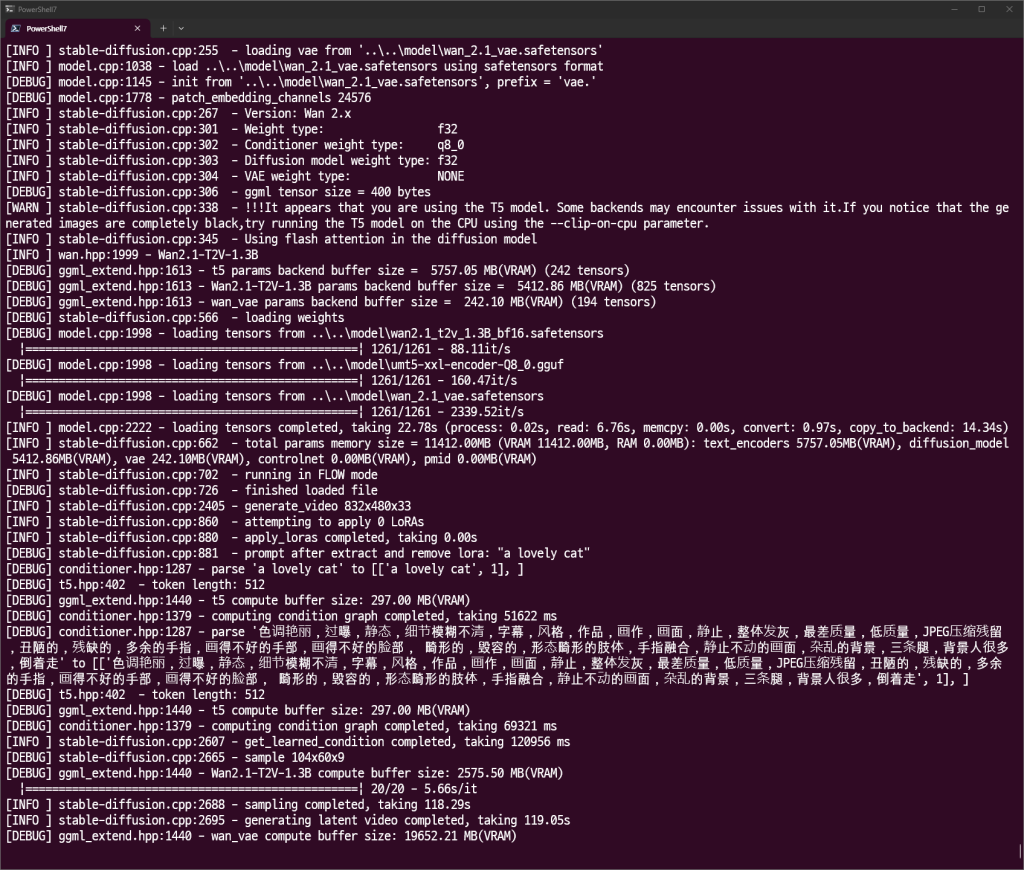
vram만 넉넉했어도 ㅠㅠ

다음과 같이 고양이가 나온다.
.\sd.exe -M vid_gen --diffusion-model "Q:\stable-diffusion.cpp\model\Wan2.2-TI2V-5B-Q8_0.gguf" --vae "Q:\stable-diffusion.cpp\model\wan2.2_vae.safetensors" --t5xxl "Q:\stable-diffusion.cpp\model\umt5-xxl-encoder-Q8_0.gguf" -p "fantasy medieval village world inside a glass sphere , high detail, fantasy, realistic, light effect, hyper detail, volumetric lighting, cinematic, macro, depth of field, blur, red light and clouds from the back, highly detailed epic cinematic concept art cg render made in maya, blender and photoshop, octane render, excellent composition, dynamic dramatic cinematic lighting, aesthetic, very inspirational, world inside a glass sphere by james gurney by artgerm with james jean, joe fenton and tristan eaton by ross tran, fine details, 4k resolution" --cfg-scale 6.0 --sampling-method euler -v -n "色调艳丽,过曝,静态,细节模糊不清,字幕,风格,作品,画作,画面,静止,整体发灰,最差质量,低质量,JPEG压缩残留,丑陋的,残缺的,多余的手指,画得不好的手部,画得不好的脸部,畸形的,毁容的,形态畸形的肢体,手指融合,静止不动的画面,杂乱的背景,三条腿,背景人很多,倒着走" -W 480 -H 832 --diffusion-fa --offload-to-cpu --video-frames 160 --flow-shift 3.0

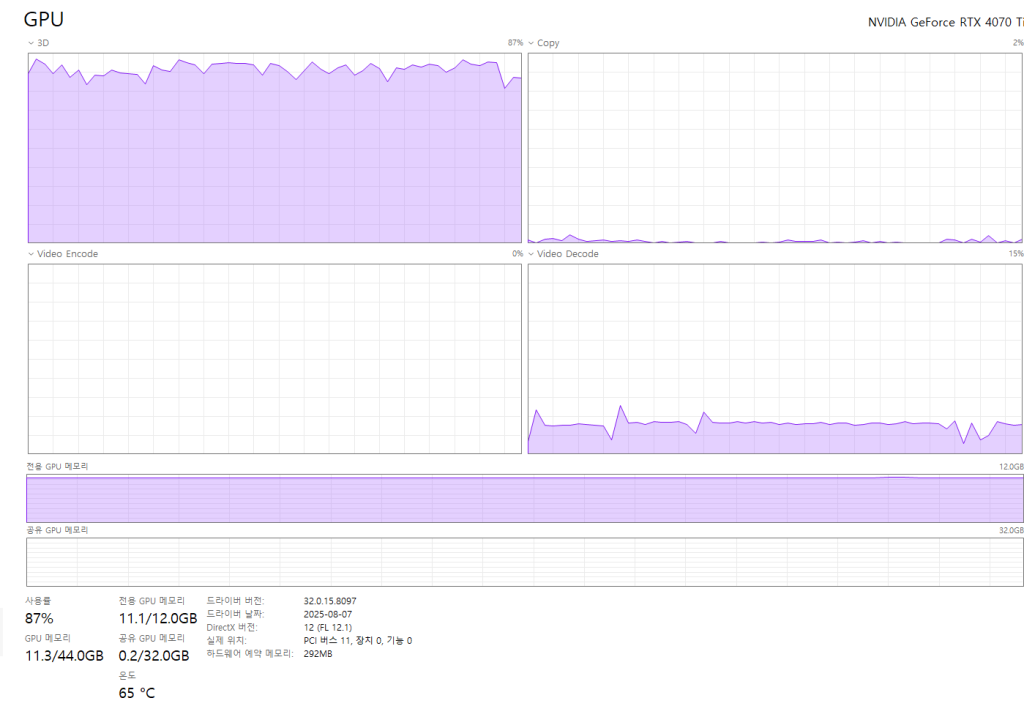

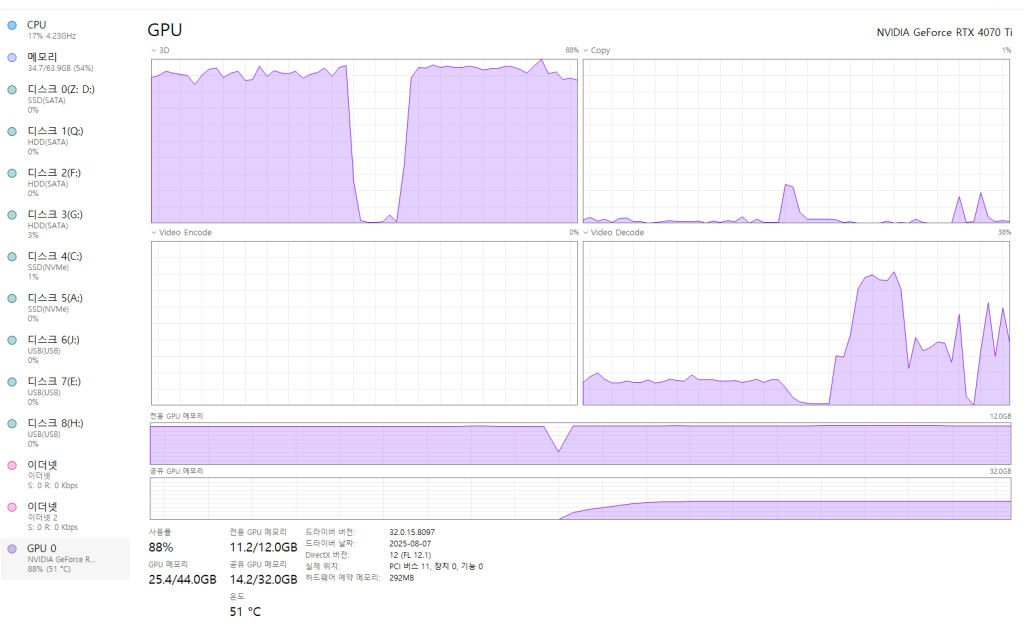
vram 사용량이 급격하게 오르는 지점이 있다. vae를 사용하는 단계가 그렇다.